I’m pleased to share a project I’ve been working on for several months: skott.
skott is a tool that generates a graph of dependencies from your JavaScript / TypeScript / Node.js projects (including TSX/JSX and ES6/CommonJS modules) and helps you discover circular dependencies, import costs, file sizes, and more.
Node.js built-in and/or npm third-party dependencies can also be added to the graph. The main goal is to reproduce the architecture of your application at the file level.
Installation and use
$ npm install skottskott provides an API to traverse the project graph, deeply search for circular dependencies, find parents or children for a given set of nodes, and more.
Here is a quick overview of the API:
import skott from "skott";

const {
  getStructure,
  findCircularDependencies,
  findParentsOf,
  findLeaves
} = await skott({
  /**
   * The entrypoint of the project. Must be either a CommonJS or ES6 module.
   * For now, TypeScript files are not supported as entrypoints.
   */
  entrypoint: "dist/index.js",
  /**
   * Define the max depth for circular dependencies search. This can be useful
   * for performance purposes. Defaults to POSITIVE_INFINITY.
   */
  circularMaxDepth: 5,
  /**
   * Whether the base directory of the entrypoint must be included in all the
   * relative file paths. For the `dist/index.js` above, it would consider the
   * root path to be `./`, so `dist/` would never appear in any file path.
   */
  includeBaseDir: false
});
skott can also be used through the CLI.
Web visualization
Using the webapp display mode skott --displayMode=webapp, skott generates the graph and automatically opens an interactive web application in which you can visualize it more precisely.
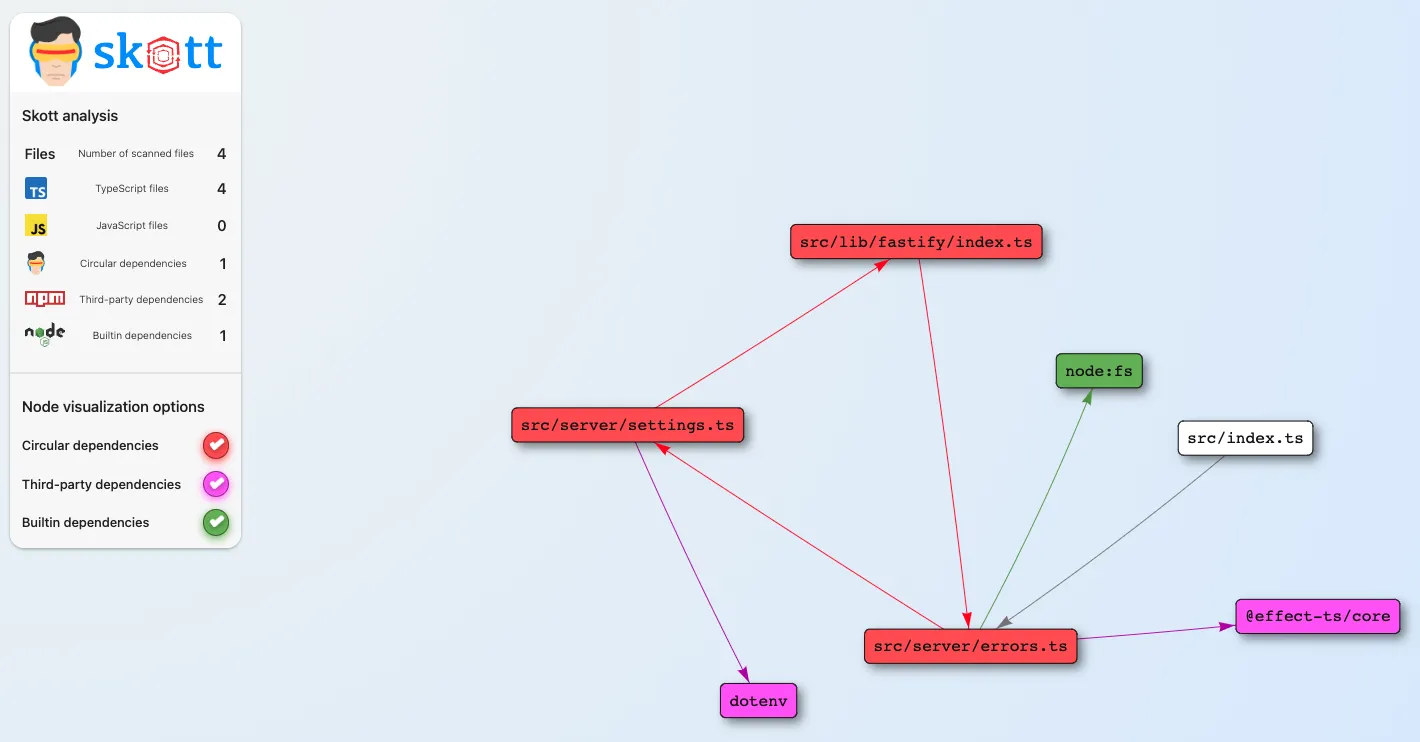
As shown above, we can see all the nodes created from the files of your project, and the edges simply represent the links between those files. Circular dependencies, third-party dependencies and built-in dependencies can be displayed on demand to adapt the amount of information shown at once.
Console visualization
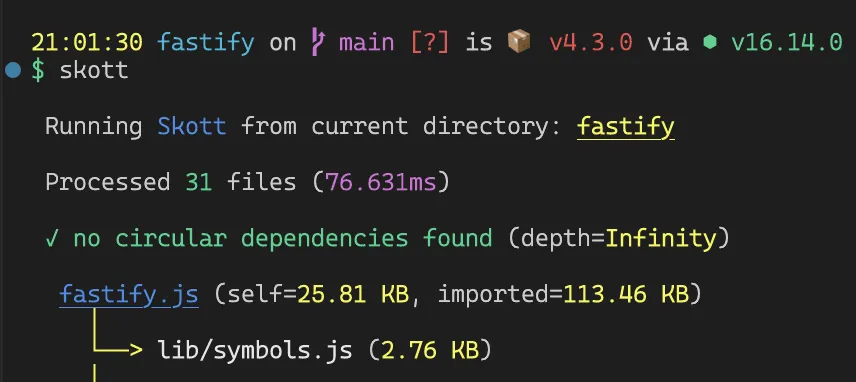
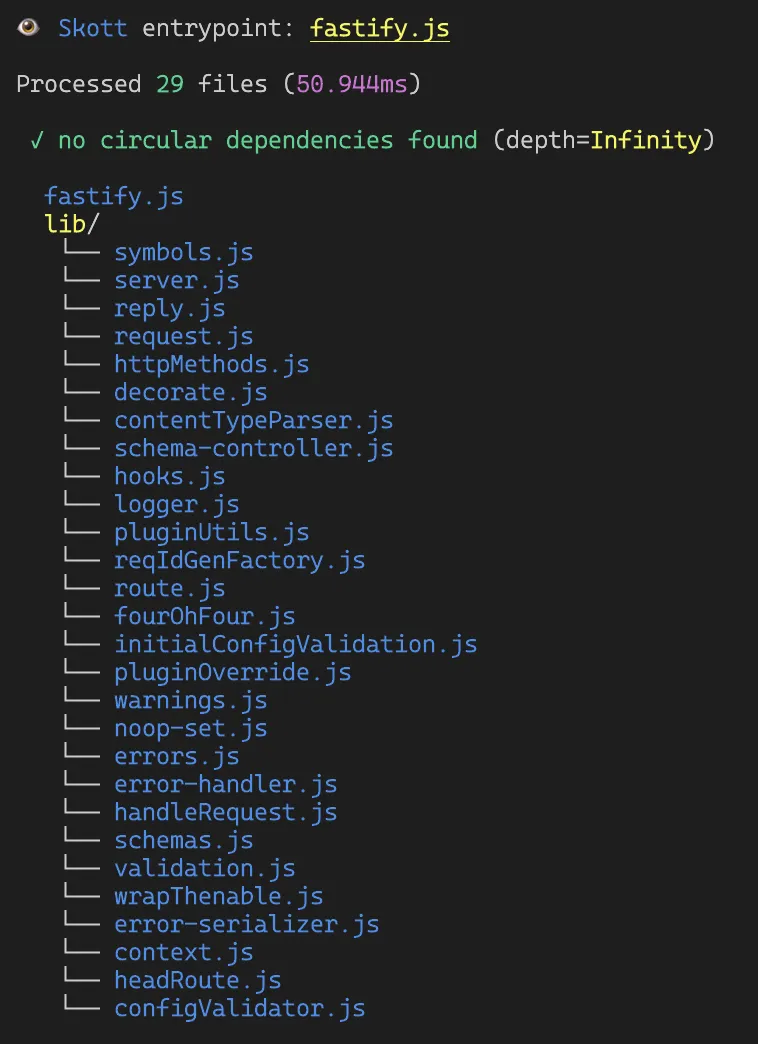
Sometimes you don’t want to open a web interface. For that, you can use another display mode that renders a UI in the console. Here is a quick preview of the graph generated for the fastify library:
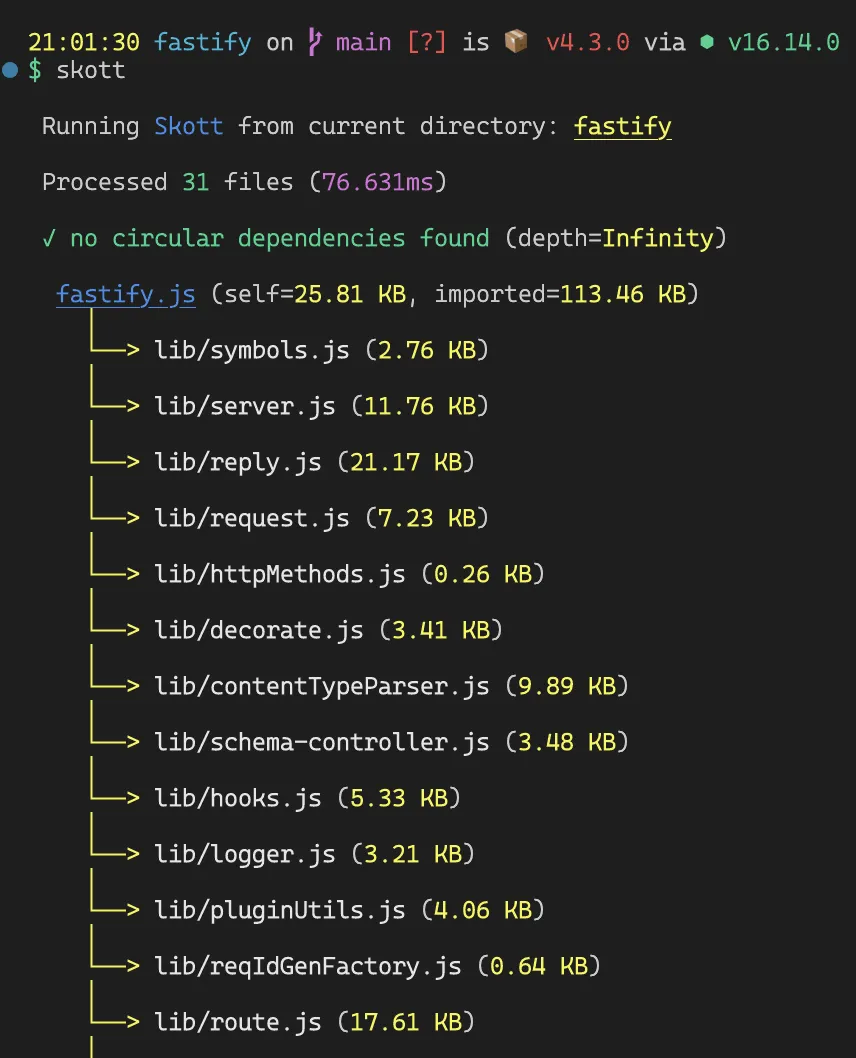
We can also track more dependencies (for example the npm third-party dependencies) by providing the --trackThirdPartyDependencies option:
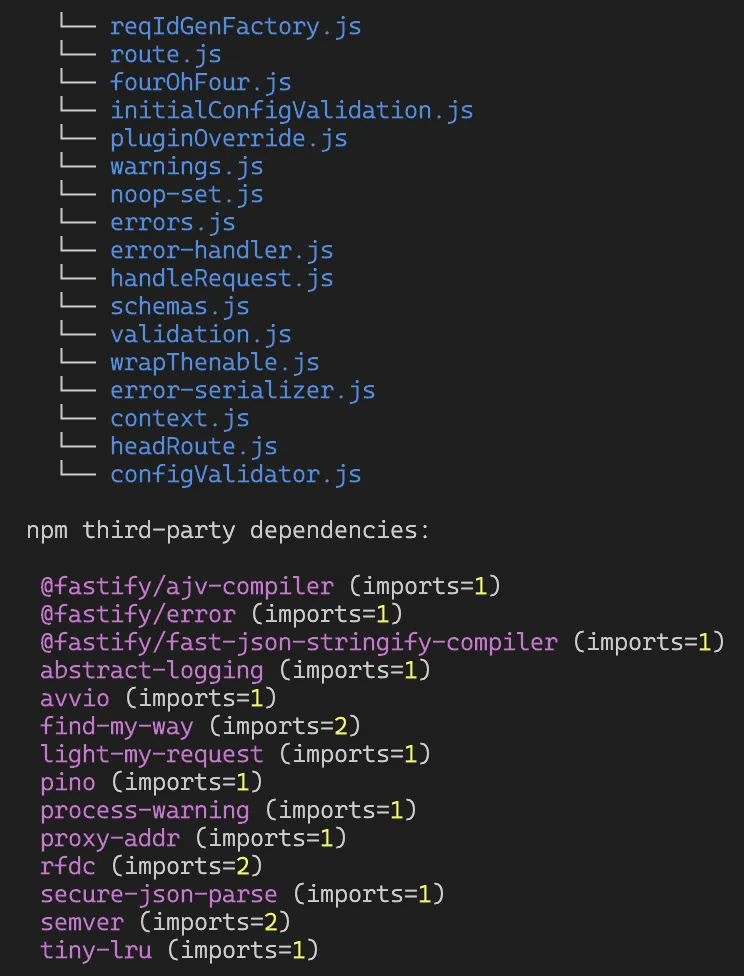
Node.js built-in dependencies can also be tracked with the
--trackBuiltinDependenciesoption.
File-tree display
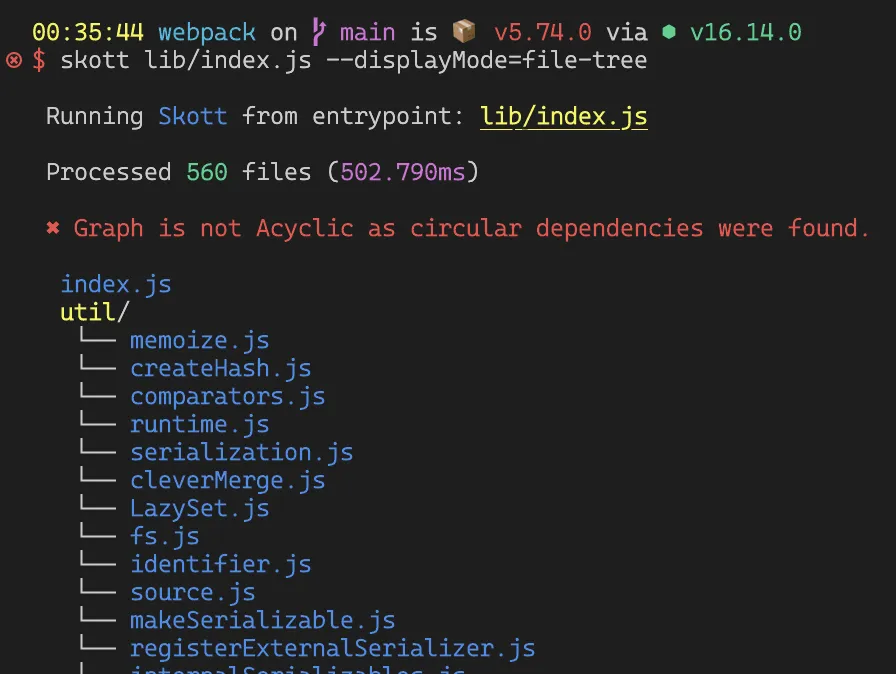
Several display modes are available from the CLI, including file-tree, which reconstructs a directory of files from the graph in a far more concise way:
Static file generation
In addition to the various display modes, skott can also create static files reflecting your project graph, including .json, .svg, .md (using Mermaid) and .png.
Here is an example creating a static file from skott itself:
$ skott dist/index.js --staticFile=svg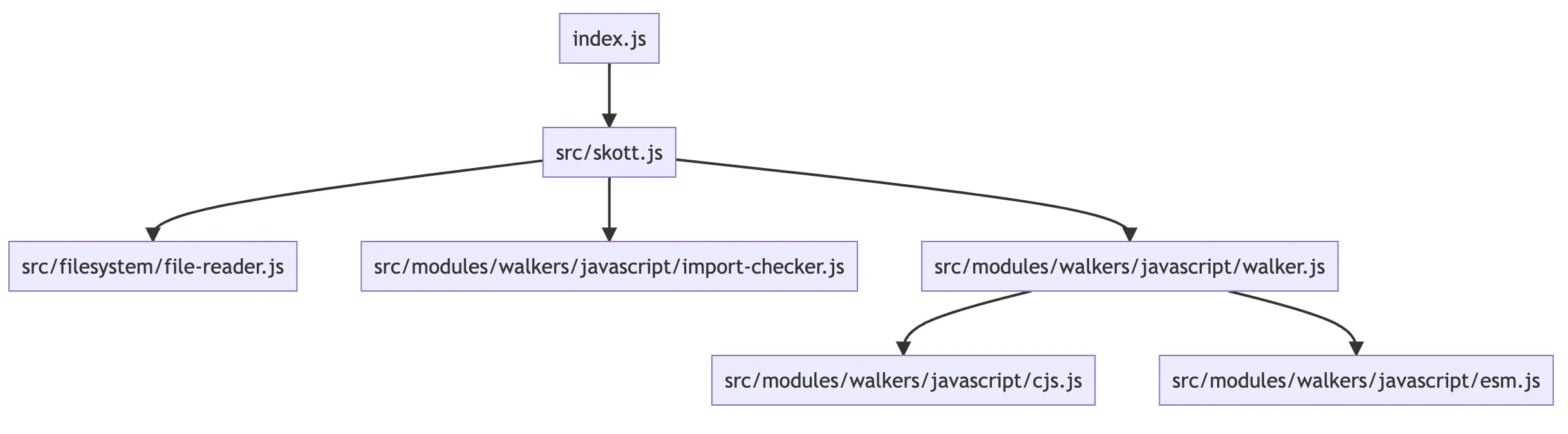
For medium to large projects, you’ll probably want to use the webapp display mode.
Circular dependencies
skott also helps you find circular dependencies very efficiently. You can even provide a max depth to avoid deep searches that could be costly.
If you’re not sure why circular dependencies can be problematic, I wrote a section, Why you should care about circular dependencies and dead code, in the root documentation of skott.
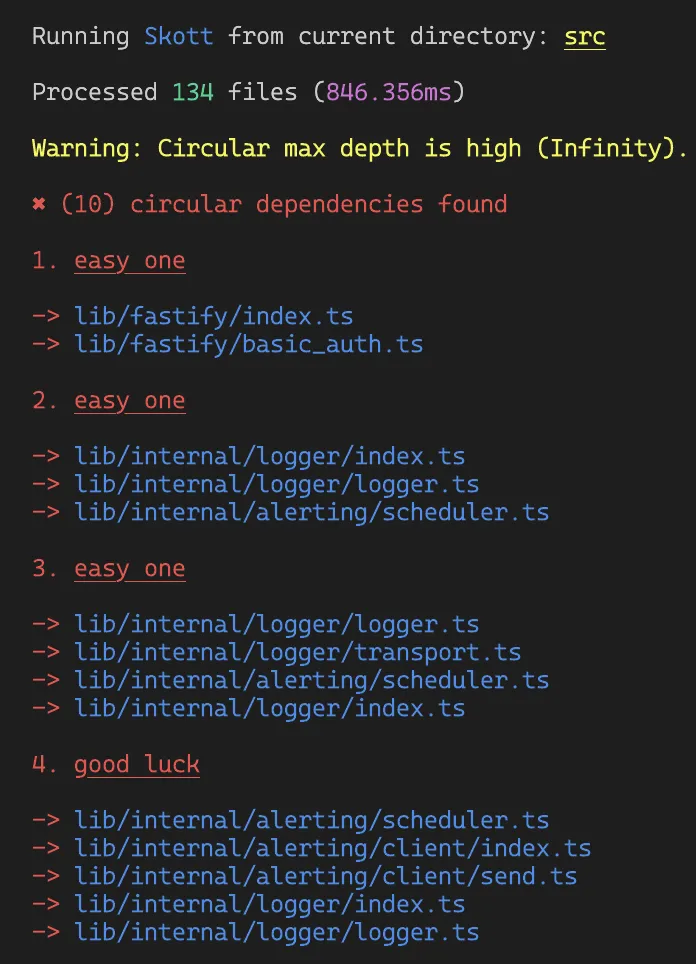
Some options can also be provided to configure the exit code used when circular dependencies are met (defaults to 1, meaning an error exit).
skott is fast
We can easily compare skott with madge, because skott already covers most of the features madge exposes for a Node.js project.
I ran some benchmarks on the time required to build dependency graphs from popular libraries with both tools. Here are the results.
Webpack (+560 files)
webpack is a static module bundler for modern JavaScript applications, probably one of the heaviest open-source Node.js projects I know.
- using skott takes 503ms
- using madge takes 2.5 seconds
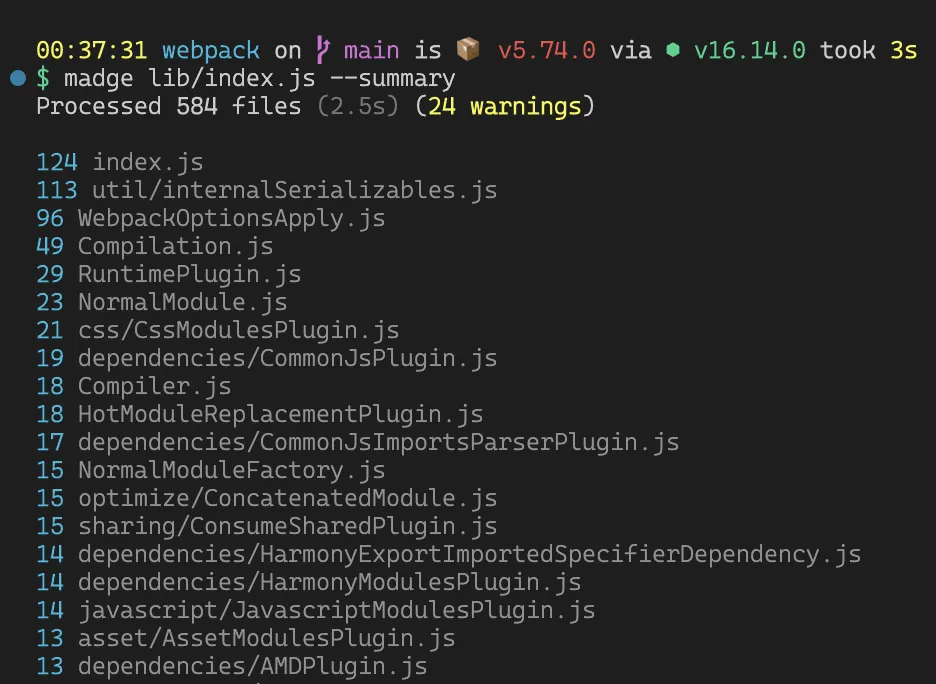
N.B. the difference in file count between skott and madge is only because of
.jsonfiles that skott ignores in the graph (as well as other files such as binaries).
Knex.js (+60 files)
knex.js is a flexible, portable SQL query builder.
- using skott takes 60ms
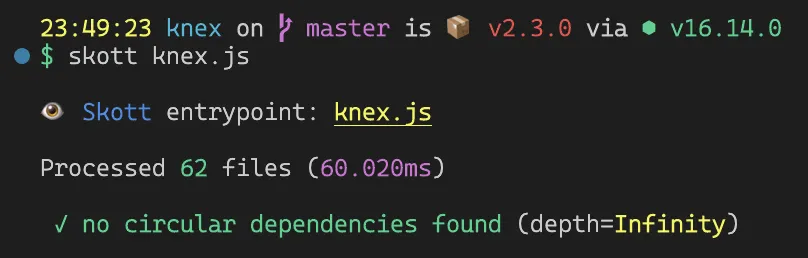
- using madge takes 450ms

For building the entire graph of knex.js with even more metadata, skott is 7.5× faster.
Fastify.js (30 files)
fastify.js is a fast, low-overhead web framework for Node.js.
- using skott takes 50ms
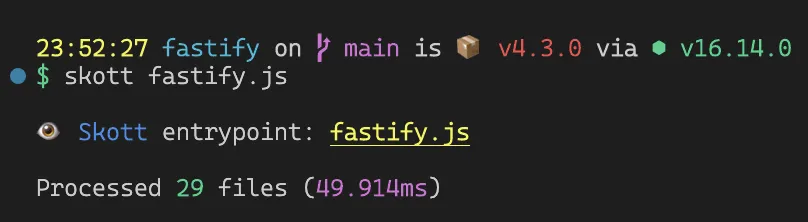
- using madge takes 350ms

In this case, skott is 7× faster than madge.
skott is extensible
skott aims to offer features that can be extended to any language, provided specific parsers are implemented along the way. I started with JavaScript only, then incrementally brought TypeScript and TSX/JSX support. Why not bring other languages to the table too?
What’s next
This post is the first chapter of the journey of building skott. The series continues under the hood:
- What it takes to build a static analysis tool: parsers, ASTs and how source code is analyzed.
- Test-Driven Development and Dependency Injection are the way: how the whole pipeline was made fully testable.
skott is open source, issues, feedback and contributions are very welcome on GitHub.